
How the Lake of the Woods County Court Calendar Works
Lake of the Woods County sits inside the Minnesota District Court system, and the local calendar is a scheduling view rather than a full case file. For case-level detail, the Minnesota Court Records Online case record is the tool that matters. Its Case Details screen lists hearings. The Register of Actions lays out the case history in order. The local court adds a searchable public calendar PDF. Access rules keep some matters off remote displays. The PDF is handy but not exhaustive.
If you are a participant, the summons, citation, or hearing notice controls the date, time, place, and any remote instructions. Observers get a different picture. The calendar and the Register of Actions each show court activity from a separate angle. Lake of the Woods County Court Administration holds the official trial-court records for civil, criminal, family, probate, juvenile, conciliation, traffic, and tax matters. An online listing never replaces a court notice or the official record itself.
Lake of the Woods County Court Schedule Publication
The Judicial Branch links a searchable PDF, the Lake of the Woods public court calendar. County court information says the file posts at 7:00 a.m. each business day. It updates hourly. That makes it a strong same-day check when you know a case number or party name. Just remember two limits. Not every case appears publicly, and an earlier download will not reflect later changes.
Attending court that day? Check the printed calendars outside the courtroom or in the public lobby. The Judicial Branch calls those the most current information available. Assignments can move in a one-location county court. An older PDF may sit unchanged in a browser tab. Compare settings against the live document, never a saved copy. The Minnesota Judicial Branch remote-hearing information lays out the security and access framework that may govern a scheduled appearance.
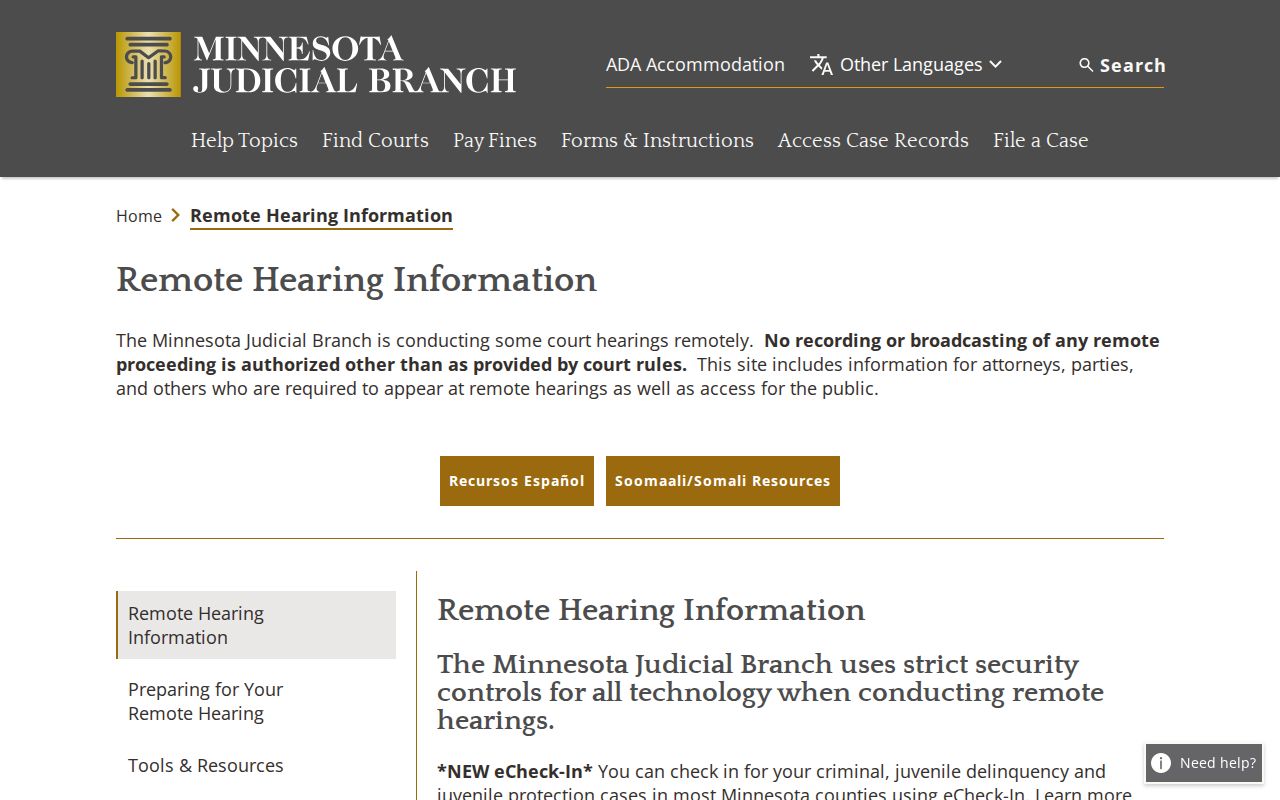
Remote access follows the hearing instructions the court issued, so read the Lake of the Woods County court schedule together with your actual notice.
Note: A public calendar is a scheduling aid only. To confirm a specific Lake of the Woods County hearing, rely on the notice and Court Administration records.
Lake of the Woods County Court Date Lookups
Begin with what identifies the case: a case number, citation, summons, or hearing notice. A complete number works best. Name searches can stall on spelling, common names, and public-access rules. The court's MCRO Hearing Search lets you search by Name, Case Number, Judicial Officer, or Attorney. Pick Lake of the Woods from the county locations. Then apply a date or category filter to trim the results.
- Read the notice first and keep its date, time, case number, and connection instructions together.
- Search MCRO Hearing Search by the complete case number when possible, then select Lake of the Woods County and an appropriate date range.
- Open Case Details and compare future hearings with earlier Case Events in the Register of Actions.
- Use the county PDF viewer’s Find command for a party or attorney name, then check the printed lobby calendar if appearing that day.
- Call Court Administration at (218) 634-1451 if sources conflict or a judge or courtroom assignment may have changed.
One limit catches many people off guard. Pending criminal, traffic, and petty-misdemeanor matters without a conviction may not surface in a defendant-name search, even though the case exists. When that happens, search by case number, citation number, attorney name, or attorney bar number instead. Court Administration can also help. Staff can point you to the local counter or a public-access terminal for a permitted court-record search.
Lake of the Woods County Hearing Search
MCRO Hearing Search is the online form made for hearing information; the Register of Actions supplies the history surrounding it. The name path offers exact-name matching. It adds a Sounds Like option and a wildcard after at least two characters. Sounds Like and the wildcard cannot combine. The form also takes a complete case number, a judicial-officer search, or an attorney search, and it can be narrowed to Civil, Criminal, Family, or Probate or Mental Health categories.
The official MCRO Hearing Search form shows fields for a hearing date or date range. It also offers statewide or selected county locations. Results are scheduling information only. They do not guarantee that every document or case detail is available remotely. For the fullest public view of the Lake of the Woods County Register of Actions that MCRO can display, open the related Case Details screen.
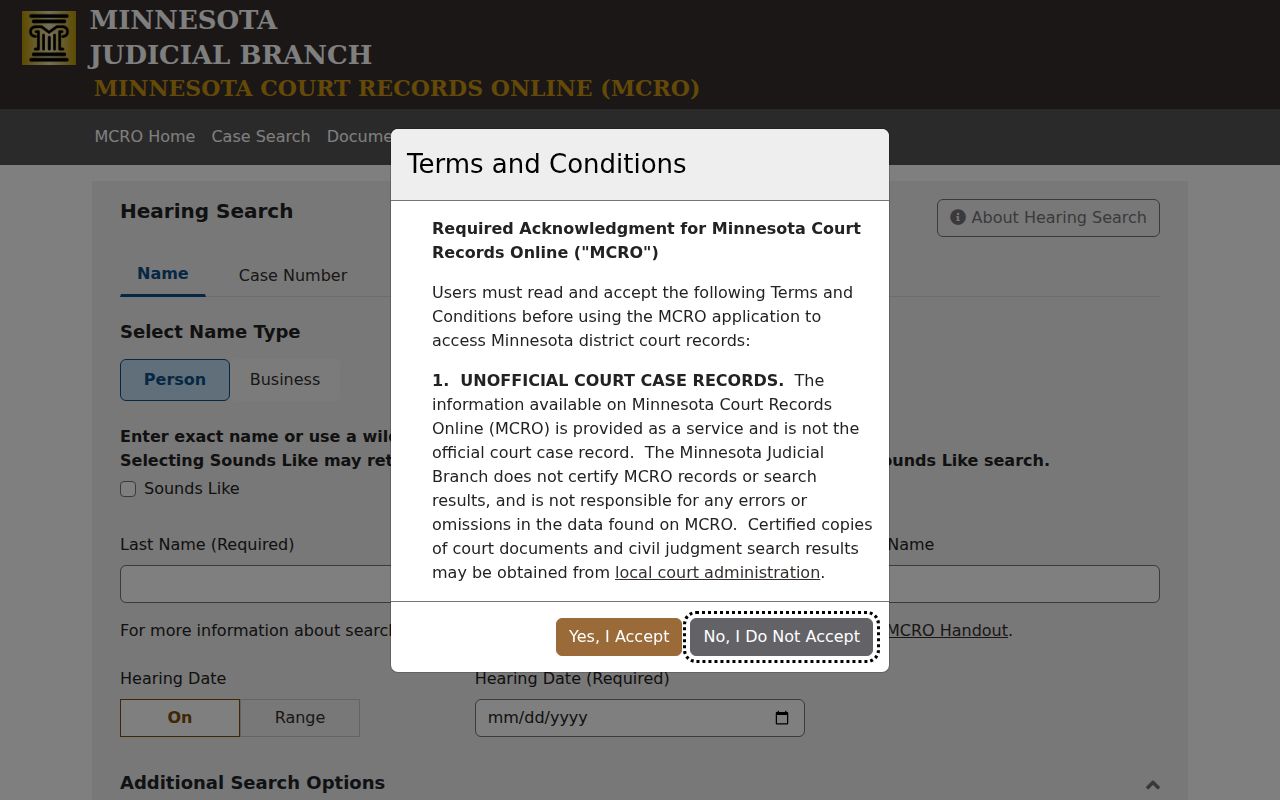
Statewide results can bury a small county's settings. Filter to Lake of the Woods County and use the full case number to cut false matches when hunting a Lake of the Woods County court date.
Court Settings: What Each Field Means
The county PDF arranges scheduling details in columns. Each column carries its own meaning. Read them together. A hearing type alone never tells the whole story of a case. The party name shows a listed role. The case number ties the setting to the larger Register of Actions. Location, officer, and connection entries can all be revised as court needs change.
| Party Name | Identifies the listed party or role; use the case number to distinguish similar names. |
|---|---|
| Hearing Location | Shows the scheduled local hearing location. The sample county PDF uses Lake of the Woods Courtroom 1. |
| Date and Time | Shows the scheduled setting, subject to a later notice, reset, or calendar update. |
| Judicial Officer | Shows the officer assigned in that calendar entry; assignments may change. |
| Hearing Type | States the event label, such as Hearing, Pre-trial, Conciliation, Commitment, Harassment, or Review. |
| Connection Type | Displays the connection or relationship information as the county calendar presents it. |
| Case Number | Links the setting to the county-coded court file and its Register of Actions. |
Lake of the Woods County Schedule Labels
A label on the Lake of the Woods County court calendar tells you what kind of event is set. Nothing more. It never predicts a result. Pre-trial, for example, is a preparation or case-management setting. A conciliation hearing belongs to the small-claims side of District Court. Review hearings cover an existing order, a status check, or a compliance question. Commitment and harassment settings carry the public-access limits attached to those case types.
- Hearing
- A general label for a scheduled court proceeding.
- Pre-trial
- A conference or proceeding held before trial.
- Conciliation Hearing
- A setting in Minnesota’s Conciliation Court, the small-claims division of District Court.
- Review Hearing
- A proceeding to review an earlier order, status, or compliance issue.
- Continuance or Reset
- A change that moves a scheduled event to another date.
Not every label fits on the county's one-page PDF. Arraignments, pleas, sentencing, motions, trials, and other criminal or civil entries may show up in MCRO or a hearing notice instead. Trust the event name as displayed. Don't invent an abbreviation. For a specific Lake of the Woods County case, Court Administration can explain an MNCIS event description.
When a Court Date Moves
Court dates move. Cases shift. Judges get reassigned, and courtrooms change hands. So a Lake of the Woods County calendar today may not match tomorrow's. The Register of Actions often keeps the original hearing on the record. Then it adds a continued, reset, cancelled, or rescheduled entry after it. Read those entries in order and zero in on the newest setting. An old date can linger in the case record. That does not mean the court expects you to show up for it.
Treat the local PDF as a snapshot, never a court order. Weather closures happen. Holiday closures happen. A switch between remote and in-person format can happen too. Each one calls for a fresh look at the current notice or court information. And when a document link from a filing notice won't open, don't conclude the hearing was removed. Check the notice itself instead. The Judicial Branch's eFile and eServe document-link notice addresses this. It states that accepted documents stay in the court file. It also states that public documents may be reachable through MCRO.
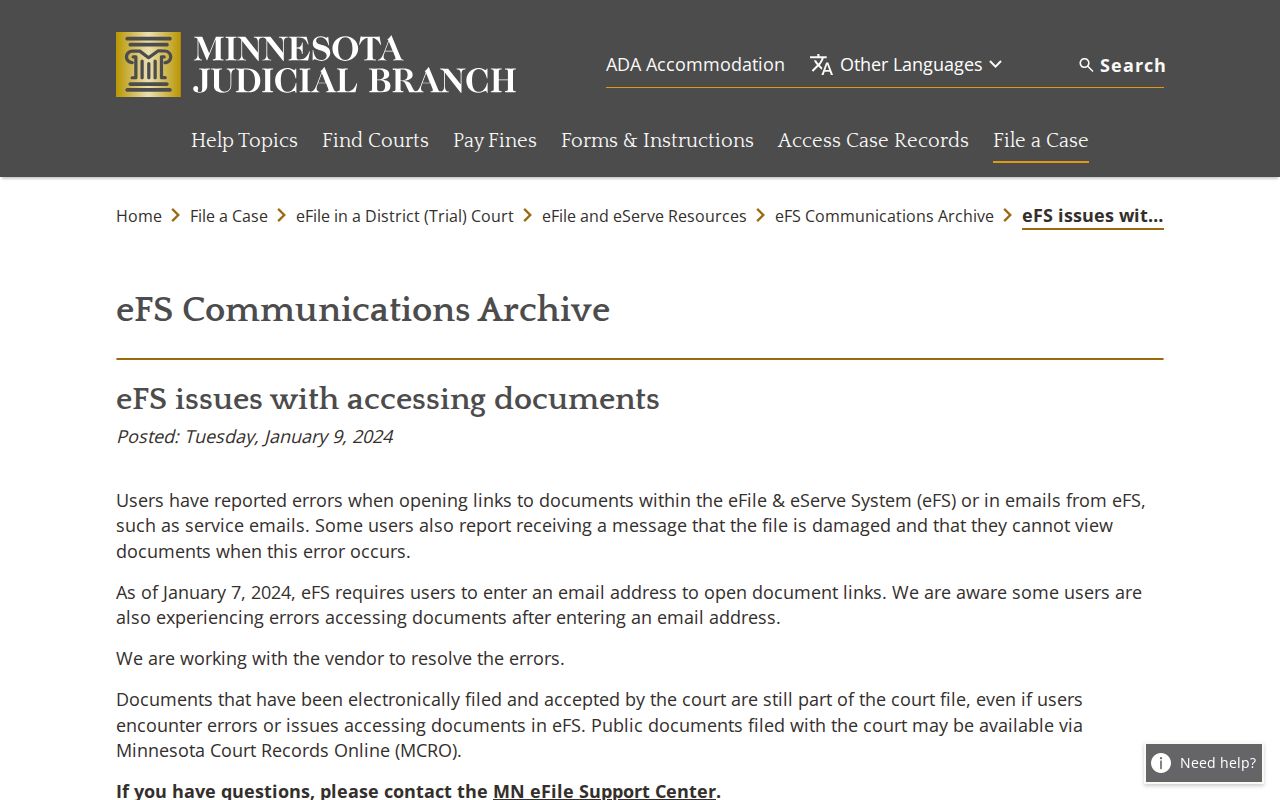
What confirms a Lake of the Woods County schedule change? The current court record, the hearing notice, or Court Administration. A link that fails to open proves nothing.
Lake of the Woods County Remote Hearing Notices
Minnesota holds some hearings remotely, and the hearing notice decides how you connect. The statewide Judicial Branch uses security controls and bars unauthorized recording or broadcasting. The Ninth Judicial District posts Zoom test sessions for checking your device and connection. A test session is not a hearing link. For a scheduled Lake of the Woods County appearance, follow the specific notice or instructions from Court Administration. Skip the general test resource. The Minnesota Digital Exhibit System notice covers a separate electronic-exhibit layer. An exhibit event can appear on a Register of Actions. But the exhibit itself stays under the judge's control and the public-access rules. That line matters. A calendar entry is not remote access to every item in the court file.
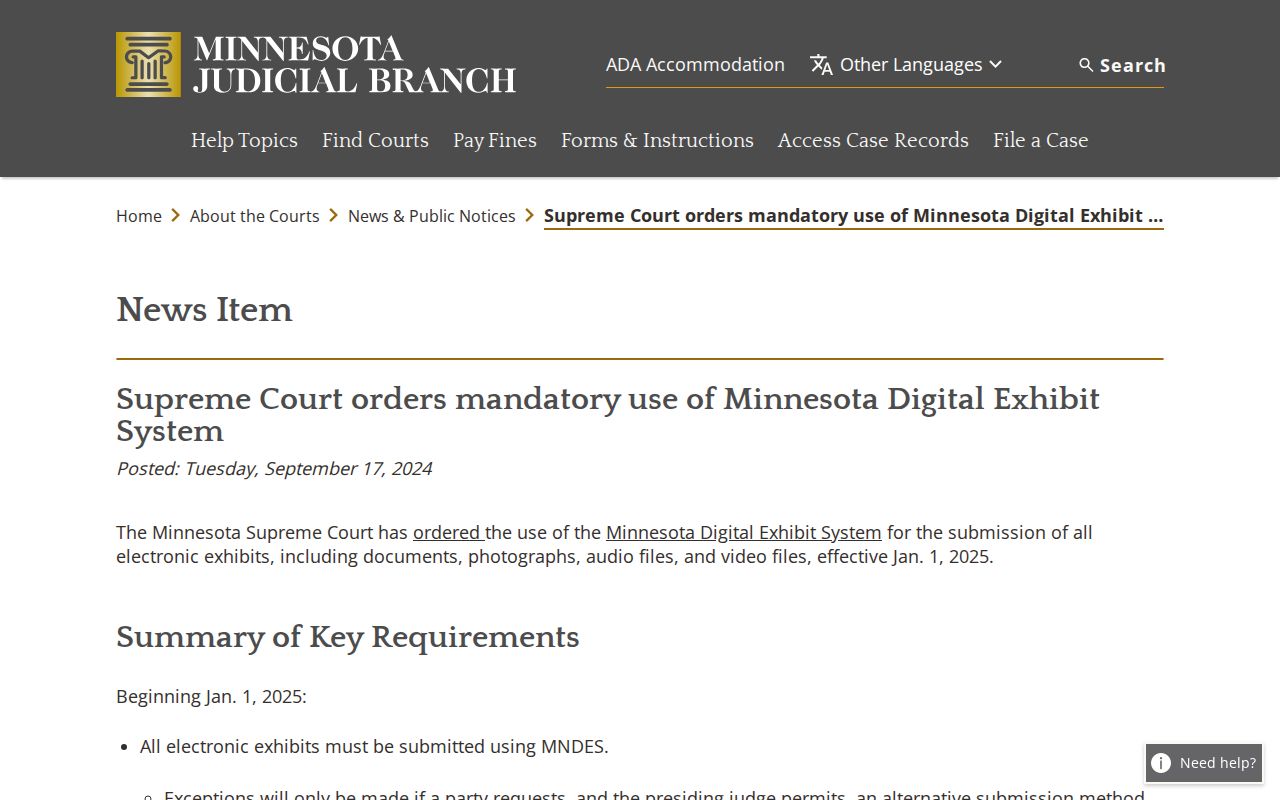
The Lake of the Woods County court schedule names a setting. It grants no authority to record, broadcast, or reach material the court has not permitted.
Missed Settings and What Comes Next
Miss a court date? Act fast. Contact Lake of the Woods County Court Administration or an attorney right away. Ask how the court wants the matter handled. The right fix depends on the case type. It also depends on the order or notice already in the file. A later calendar listing is no substitute for instructions from the court that holds the case.
Missed a Setting? Missing a court date can lead to a failure-to-appear entry, a warrant, or a bond consequence in the circumstances shown by the court record.
Call Court Administration at (218) 634-1451, identify the case number, and ask how to confirm the current setting.
Consult a licensed attorney about a missed Lake of the Woods County court setting before appearing if legal advice is needed.
Lake of the Woods County Schedule Snapshots
A case missing from the public PDF is not necessarily cancelled. The calendar may be a time-limited snapshot. Or the matter may be confidential or unavailable remotely. The hearing may also have moved after that version was checked. The same caution applies when a name search comes back empty. The court's public-access rules keep certain domestic-abuse, harassment, juvenile, protection, commitment, address, and identifier information off remote display.
For your own case, compare the hearing notice, the MCRO Register of Actions, and the most current lobby calendar. If those sources don't settle it, Court Administration holds the local record. Need the broader case history? The county's Docket Search path leads to the Register of Actions. Ask the court to verify the setting after that. Note: A missing online listing calls for confirmation. It is not an assumption that the Lake of the Woods County court date has been cancelled.