
Name-Based Case Searches
A Lake of the Woods County case search starts at Minnesota Court Records Online, or MCRO. Accept the terms first. Then open the Name tab and pick the right name type. The form asks for last, first, and middle name. Searches match names exactly. So adding or dropping a middle initial can change what comes back. Keep one caution in mind: a shared name points to a possible case record. It is never proof that two similar names belong to the same person.
- Open MCRO Case Search and accept the terms before choosing the Name path.
- Enter the last name and, when known, the first and middle name in the corresponding fields.
- Use a trailing wildcard only after at least two characters, or choose Sounds Like for similar spellings, but do not combine those options.
- Select Lake of the Woods under specific county locations and apply a date, category, or status filter only when it is known.
- Choose Find, then open View Case Details for a result that fits the available case information.
Spelling is not the only reason a name search comes back thin. A pending criminal, traffic, or petty-misdemeanor matter may carry no conviction. Such a case will not show up under a defendant name. Restricted files, expunged records, and older cases may also stay out of remote view. Papers never electronically imaged can stay hidden too. When the name route fails, switch tools. A full case number, a citation number, or an attorney search is the stronger path.
| Field Label | Type | Required | Notes |
|---|---|---|---|
| Name path | Tab | Yes | Choose Name, Case Number, Citation Number, or Attorney. |
| Last Name | Text | No or unspecified | Exact by default; a trailing wildcard follows at least two characters. |
| First and Middle Name | Text | No | Use known name details to reduce matching results. |
| Sounds Like | Checkbox | No | Broadens similar spellings; it cannot be combined with a wildcard. |
| Date Filed or Date of Birth | Date control | No | Choose an exact date or date range in MM/DD/YYYY format. |
| Case Category | Checkboxes | No | Civil, Criminal, Family, and Probate or Mental Health are available. |
Four Lake of the Woods County Docket Search Tabs
MCRO offers four case-search tabs: Name, Case Number, Citation Number, and Attorney. Each one answers a different question. The Attorney tab works through Attorney Name or Attorney Bar Number. Use a name search when all you have is a party. A complete case number pulls up a known court file right away. A citation number often fits a traffic or petty matter best. An attorney search can surface a pending case that a defendant-name search cannot show.
The official MCRO case-search guide covers the fine points. It walks through the tabs, filters, and search behavior. It notes that a full attorney bar number may carry dashes or leading zeroes. Follow the labels the form displays. For any Lake of the Woods County matter, Court Administration can explain the record channel. MCRO is not a separate local court system.
Case Number Searches
A Lake of the Woods County case number usually starts with county code 39. In the Case Number path, MCRO wants the whole string. Type letters, numbers, hyphens, and leading zeroes exactly as written, with no spaces. A typical local number looks like 39-CR-26-123. The 39 marks the county. CR marks the case type. The 26 is the two-digit year. The last digits run in sequence. Read the true subtype and sequence from the court record instead of guessing.
Other prefixes appear too. Civil files carry 39-CV-…, family cases 39-FA-…, probate 39-PR-…, and conciliation 39-CO-…. The county calendar also lists a 39-VB-… pattern for traffic and vehicle matters. The citation path has the same rule: enter the full citation number, no spaces.
Lake of the Woods County Docket Search Number Prefix
The 39 prefix sorts the docket. It says nothing about how a case turns out. Minnesota assigns county codes by alphabetical position. That is why Lake of the Woods County court numbers commonly begin with 39. The letters after it mark the case category. The Register of Actions adds the substance: filings, parties, events, hearings, and disposition. A case type is not a final result.
When you have the number, enter it in MCRO exactly. Do not trust a broad name result. That matters most for a pending criminal, traffic, or petty-misdemeanor case. A public name search may not be available there. A partial number is not enough. Court Administration can explain how to request a permitted counter or terminal search. Never invent a missing suffix from a calendar entry or another Lake of the Woods County case.
Case Search Results Explained
From MCRO results, open View Case Details. Then open the Register of Actions, Minnesota's official name for the chronological case history. Read it in order. It runs through case information, parties, charges or civil category, assignment, case events, hearings, disposition, bond or bail, financial information, and eligible public documents. The order matters. A later reset, order, disposition, or financial entry can change what an earlier entry means.
The MCRO Case Details field guide sorts out one key difference. It explains the detail view versus the short results list. Once a case is open, use MCRO's breadcrumb navigation rather than the browser Back button. Remember that the public display can be narrower than the actual court file. A downloadable item is not a certified copy. Certification comes only from Lake of the Woods County Court Administration.
| Case Number | The court-assigned identifier, commonly beginning with 39- in Lake of the Woods County. |
|---|---|
| Case Information | Identifies the case, filed date, category, court, and assignment information displayed by MCRO. |
| Parties and Attorneys | Lists public party roles and attorney information where available. |
| Case Events | The chronological Register of Actions, including filings and court activity. |
| Hearings and Dispositions | Shows listed settings and outcomes; read dates and the full entry before drawing a conclusion. |
| Bond, Bail, Financial Information | Shows public activity in those separate sections when applicable. |
| Public Documents | Shows eligible remotely available documents, subject to case-type and document restrictions. |
Lake of the Woods County Docket Search Details
The Register of Actions works as a timeline of events. It is not a full folder of papers. A Case Details page might list a motion, a hearing date, an order, or a closing entry. The document behind that entry can still be off limits remotely. That gap shows up most in categories where online document access is narrow. Read each event in date order, with the parties and case category in view.
MCRO opens eligible public documents filed on or after July 1, 2015. Major and minor civil and criminal cases are covered, plus formal probate, guardianship, conservatorship, and trust matters. Family cases are different. Remote access there leans on court-generated orders, opinions, and notices. Older filings are harder to reach. The free display works well for a Lake of the Woods County case lookup. Yet it is not the certified court record.
Two Ways to Search: County and State
Lake of the Woods County runs no separate docket portal of its own for these trial-court cases. MCRO is the Minnesota Judicial Branch system statewide. The county is simply a location filter inside it. A statewide docket search helps when you do not know the county, or when one name may have cases in several. Pick Lake of the Woods and the query narrows to the local Minnesota District Court records MCRO can show the public.
The local route still matters. Lake of the Woods County Court Administration / Court Administrator keeps the original files across civil, criminal, family, probate, juvenile, conciliation, traffic, and tax records. Need an official verification or a certified copy? Go to that office. An MCRO display is convenience; the court docket of record lives with the clerk who maintains the case file.
| MCRO Statewide Search | Lake of the Woods County Route |
|---|---|
| Searches publicly available Minnesota Judicial Branch case information across selected locations. | Uses the Lake of the Woods county filter and local court number to narrow an MCRO search. |
| Best when the county is uncertain or a public search spans several counties. | Best when the local case number, citation, hearing, or court record is known. |
| Provides an unofficial public display and eligible free downloads. | Court Administration provides the local counter, terminal route, and certification for permitted records. |
Lake of the Woods County Docket Search Filters
Once you pick a path, MCRO can narrow a docket search. Use Date of Birth or Date Filed controls, Case Category checkboxes, Case Status, and Court Locations. Date fields take an exact date or a range. The Case Status list changes. Trust the live dropdown over any assumption. Under Court Locations, choose Select Specific County Court Locations from the menu. Then pick Lake of the Woods from the L group in the alphabet navigation.
Filters should trim a known result set. They should never stand in for real case identifiers. Squeeze the dates or categories too hard and a relevant court record can vanish from view. If a likely case does not appear, clear the filters. Search the complete case number instead.
Which Cases Stay Restricted
Minnesota starts from public Judicial Branch records, then carves out exceptions. Rule 2 states the general policy. Rule 4 lists the nonpublic case-record categories. Remote access under Rule 8 blocks or trims details like Social Security numbers, financial-account numbers, telephone numbers, most party street addresses, and protected identifying information.
Some matters never show in the ordinary MCRO view. Domestic-abuse, order-for-protection, and harassment cases are withheld remotely. CHIPS and juvenile-protection matters, D16 juvenile felony cases, and restricted or confidential files carry their own limits. A civil-commitment case may list information publicly. Its documents may stay offline. For family cases, expect the Register of Actions, index, calendars, judgments, and court-generated orders or notices. Few participant-filed documents appear. If MCRO denies access, Rule 9 gives a review path.
Lake of the Woods County Docket Search Limits
An empty result does not prove a Lake of the Woods County case is absent. A pending criminal, traffic, or petty-misdemeanor matter may not surface by defendant name until conviction. Sealed, expunged, confidential, or out-of-scope cases stay hidden too. So do files destroyed under the retention schedule or too old for electronic imaging. MCRO gives no signal explaining which condition caused the gap.
For your own case, try the complete case number first. Then try the citation number or attorney details before concluding the file is gone. Expunged records drop from normal public results. Yet they stay available to the subject, the court, prosecutors, or authorized criminal-justice agencies under the governing statute or order. Court Administration can point a permitted request the right way. It can also give an official court response.
The MCRO site map and terms describe the system as an unofficial display. They also spell out its access scope.
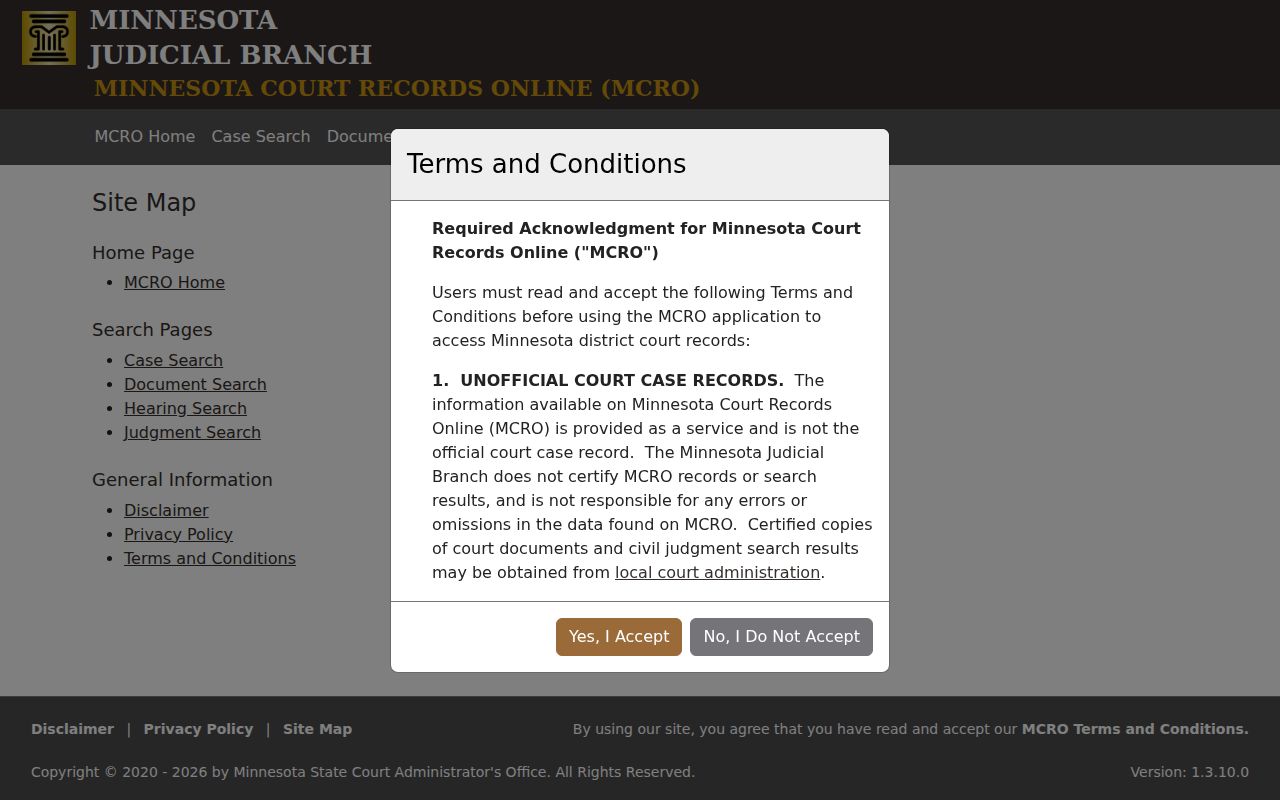
The Lake of the Woods County Docket Search is a public access route. Read its results with the system's limits and the court's access rules in mind.
Lake of the Woods County Docket Search Document Route
Case Search and Document Search answer different questions. The MCRO Document Search form asks for one thing up front: Enter Case Number. The number must be complete before anything works. Type it in and the form returns public documents tied to an available case. It then points you to Case Details for anything more. It will not hunt by name. Documents barred from remote view by the public-access rules stay hidden here too.
Filing lives somewhere else entirely. The Minnesota eFile and eServe system handles electronic filing and service for court users. MCRO is built for public case access. An eFile link that refuses to open does not mean the document vanished. It is still in the court file. An eligible public copy may sit in MCRO. One caution holds: a clean online download is never a certified copy. That distinction matters for official use of any Lake of the Woods County court record.
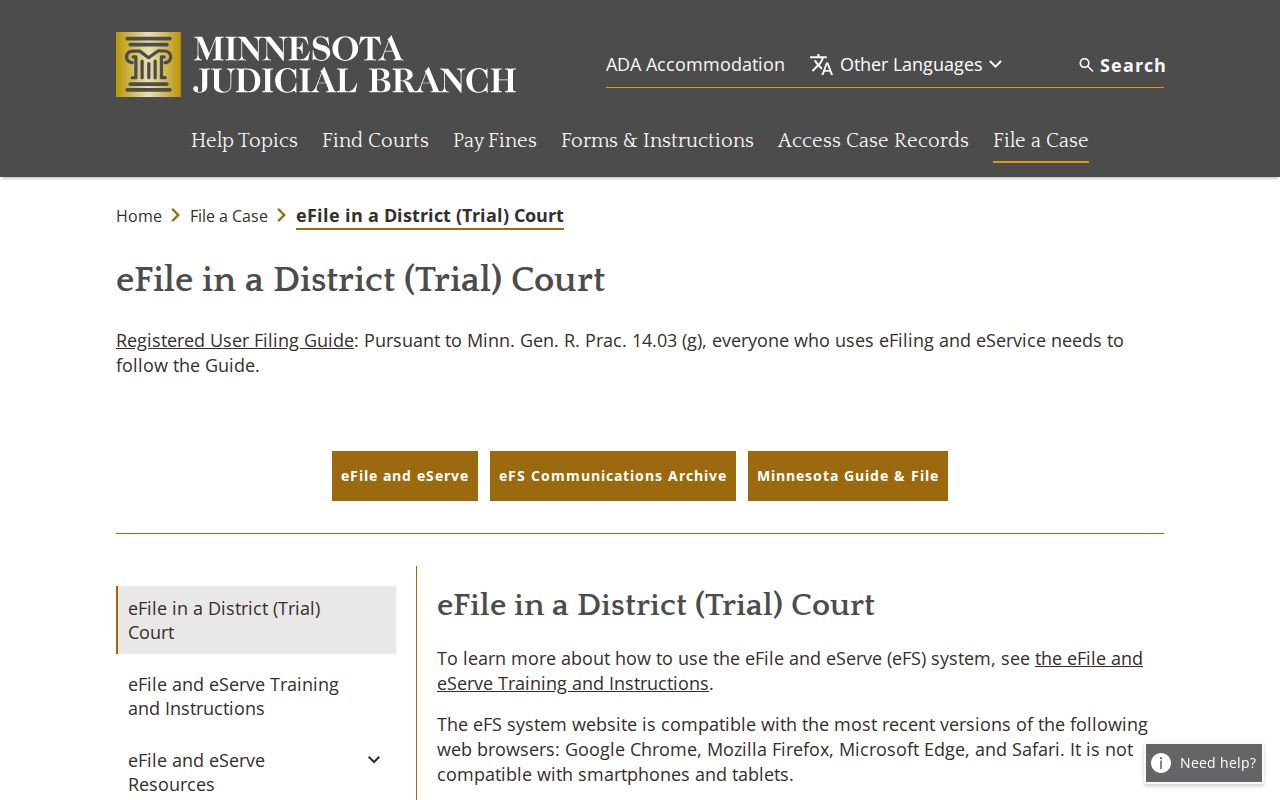
Keeping search and filing tools straight saves a Lake of the Woods County record user time. The right choice depends on whether the goal is an existing Register of Actions or a filed public document.
Lake of the Woods County Docket Search Hearing and Judgment Tools
MCRO splits hearing and judgment questions into separate tools. Hearing Search lets you start from Name, Case Number, Judicial Officer, or Attorney. Narrow further by hearing date, category, and county. It fills the gap when the Register of Actions alone will not answer a future or past court date. Judgment Search takes a debtor name plus docketed date, court, and county filters to surface docketed monetary judgments and satisfactions.
Neither tool covers everything. The Judgment Search form is no catch-all for every disposition or nonmonetary court result. A hearing hit is not the full case chronology. Case Details shows that. Pick the tool that fits the question. Does the Lake of the Woods County record need an official answer or a certified copy? Verify with Court Administration.
Lake of the Woods County Docket Search Terminal Fallback
Some public records never reach a remote screen. Courthouse terminals open a wider layer of electronic district-court access than MCRO. The same inspection rules still bind that access. The extra reach can cover certain restraining-order, CHIPS, D16, commitment, or party-address categories. Those categories stay out of the remote display. No terminal sweeps aside confidentiality, sealing, expungement, or restricted-information rules. The Judicial Branch access-case-records overview treats MCRO and courthouse terminals as two separate public paths.
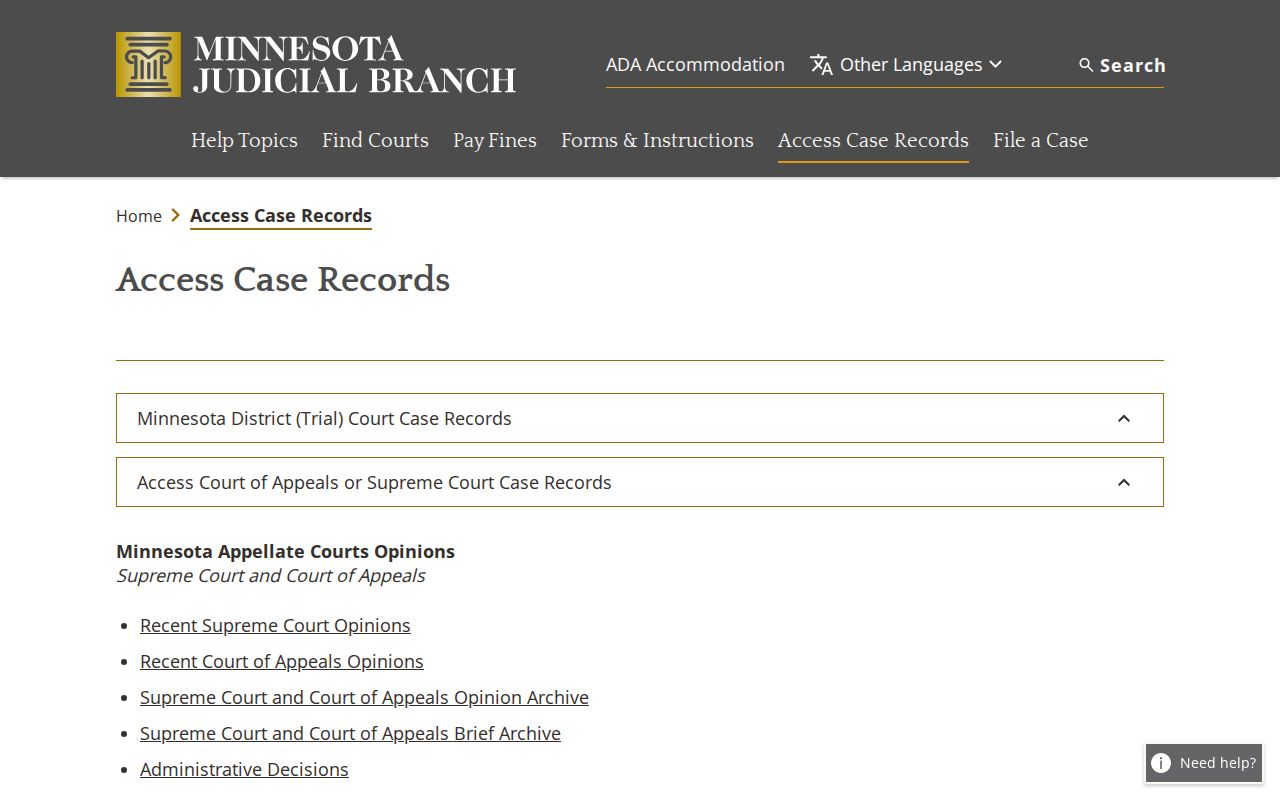
When a Lake of the Woods County Docket Search hits a wall online, call Court Administration at (218) 634-1451. Staff can explain the public terminal, a counter search, inspection, or the copies on hand.
Note: MCRO downloads can be free when eligible, but certification and official verification come only from Lake of the Woods County Court Administration.