
Traffic Case Records in Lake of the Woods County
Traffic cases here run through Lake of the Woods County Court Administration. That office is part of the Minnesota District Court. The court file begins when the citation lands on the docket. Inside it you may find the charge, the case number, hearing dates, a plea, the disposition, fines, costs, and other court events. The county's Court Administrator page lists traffic work among the office's duties. It also sends payment and citation questions into the court system itself.
The docket sits in the same statewide environment as every other Lake of the Woods County District Court case. MCRO labels the event history the Register of Actions. Court WebPay can find a fine and take your payment. But paying there does not open the full record. Payment screens give you no event history and no document access. So they cannot replace the Register of Actions.
For the local traffic-court instructions, see the county Court Administrator source.
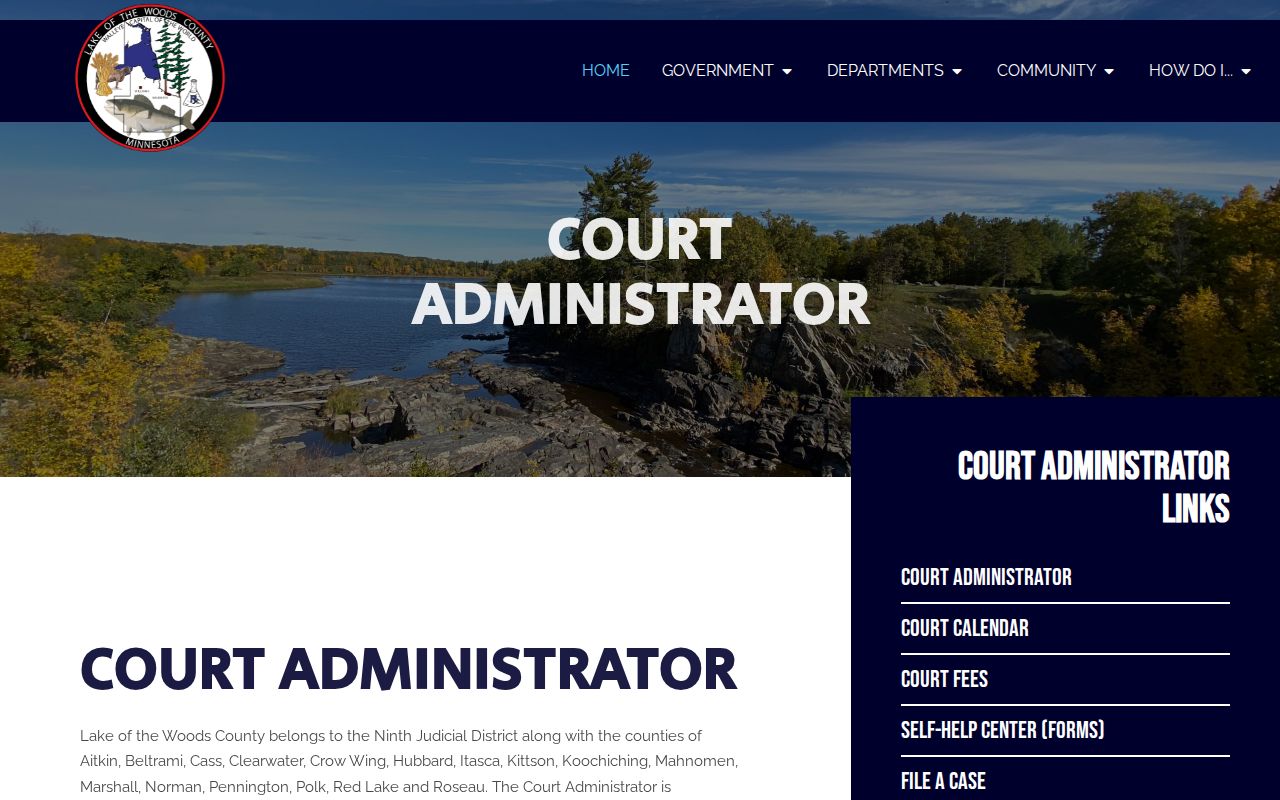
Those instructions put the court-file path squarely with Lake of the Woods County Court Administration. No separate city citation office handles it.
Lake of the Woods County Traffic Paths
MCRO gives you a Citation Number tab. It works for any Lake of the Woods County traffic case. Type the whole number with no spaces. If a county filter appears, pick Lake of the Woods as the court location. A full court case number works just as well. Local numbers usually start with county code 39-. The calendar shows vehicle-related traffic cases in the 39-VB-… pattern. For the complete citation number, nothing beats the ticket itself.
Name and attorney searches round out the options. Name searching is exact by default. A trailing wildcard opens after two characters. A separate Sounds Like option exists. One catch matters: a pending traffic, criminal, or petty-misdemeanor matter may not surface through a defendant-name search before conviction. Fall back on the citation number, case number, attorney name, or attorney bar number. Lake of the Woods County Court Administration can help with a specific case.
| Lake of the Woods County traffic lookup field | Use | Format or result |
|---|---|---|
| MCRO Citation Number | Primary citation search | Complete citation number, no spaces. |
| MCRO Case Number | Direct court-file search | Complete number; local cases commonly start 39-. |
| MCRO Name | Alternative search path | May not return a pending traffic case without conviction. |
| MCRO Attorney | Pending-case alternative | Attorney name or complete bar number. |
| Court WebPay number | Fine lookup and payment | Ticket, citation, or court file number is required. |
Minnesota's Government Data Practices Act covers public information in general. Judicial Branch records answer mainly to the court-access rules instead.
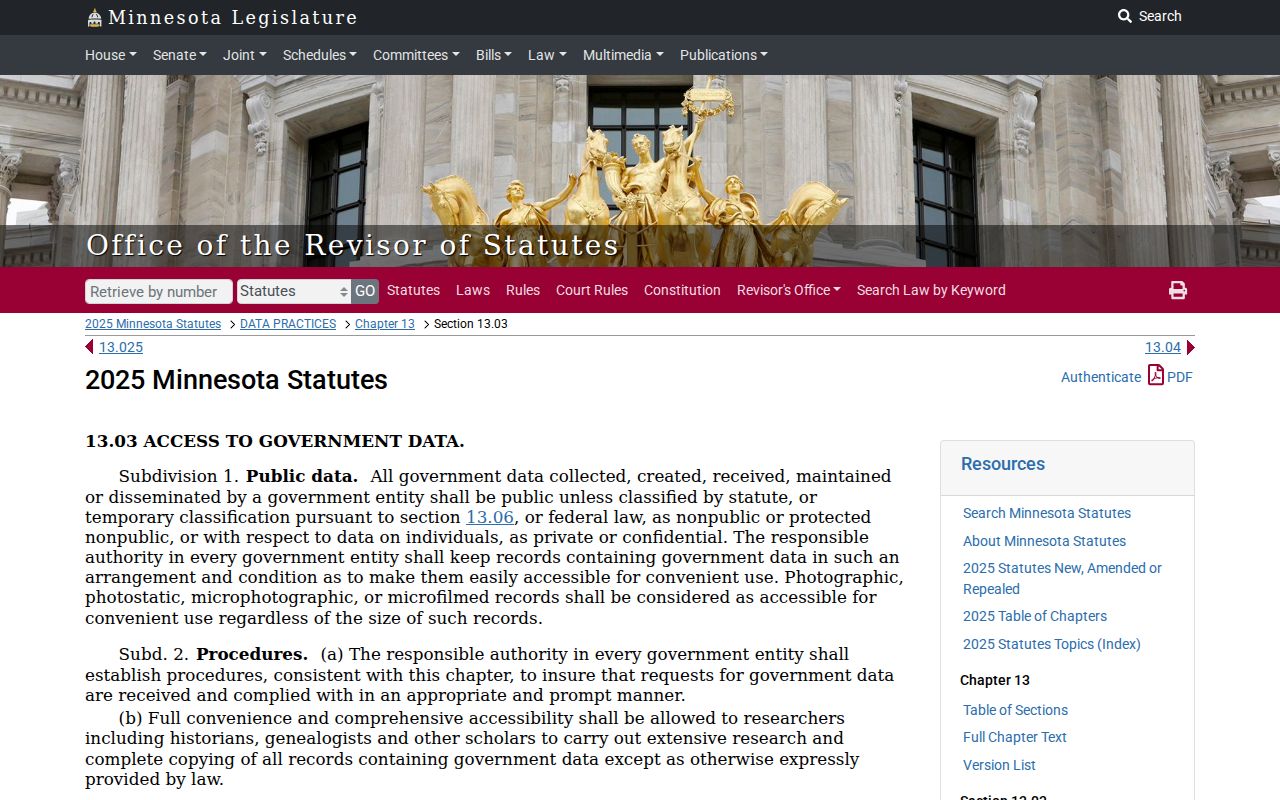
That split keeps a Lake of the Woods County traffic court lookup pointed at the right target. The court and its clerk hold the file you need.
Lake of the Woods County Traffic Ticket Lookups
Start with the ticket and its instructions. The number printed there is your strongest online key. The county named on it confirms which court holds the case. Documented access channels include MCRO Case Search, Case Details, Hearing Search, the county calendar PDF, the Court Administration phone line, and the counter. When you know the ticket or court file number, WebPay handles a fine lookup.
- Read the citation for its number, county, response instruction, and any scheduled appearance information.
- Use MCRO Case Search with the Citation Number or Case Number tab, then select Lake of the Woods County if a location filter is used.
- Open Case Details to read the Register of Actions, or use Hearing Search to check a scheduled court event by case number, name, attorney, or date.
- Check the county’s public calendar PDF and printed courthouse calendar when the date is close or an appearance is planned.
- Call Lake of the Woods County Court Administration at (218) 634-1451 or ask at the counter if the citation is not posted, the record is unclear, or the date conflicts with the notice.
Lake of the Woods County Court Administration can confirm the current court record. It cannot give legal advice. And a name search that returns nothing does not prove the citation never became a case.
Lake of the Woods County Traffic Entry
A fresh Lake of the Woods County traffic citation may not show up right away. The county warns that local entry can take up to 30 days. Statewide payment instructions add a second timeline. Court Payment Center processing may take up to seven days from citation receipt. Those two clocks measure different steps. So a blank result should send you back to the citation, the date it was filed with court, and Court Administration's current information.
Do not read an empty MCRO or WebPay search as a cancellation. Wait only as the court directs. Keep the ticket handy. Ask whether it has been filed, whether a case number exists, and whether a court date is set. The traffic response statute backs the response instructions printed on the citation.
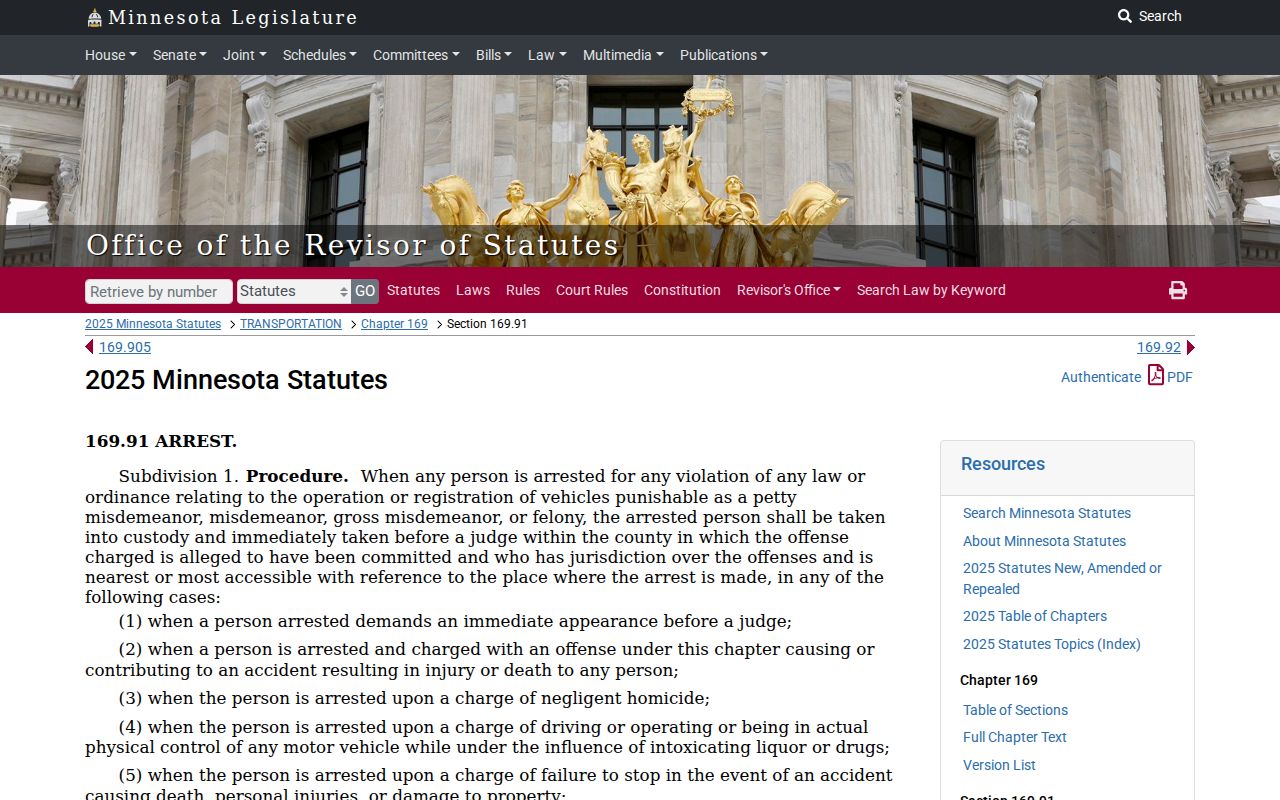
For Lake of the Woods County traffic case status, one sequence beats the rest. Check the citation, then the court file, then get direct confirmation from the court.
Traffic Court Dates in Lake of the Woods County
Your citation is the first place to find a Lake of the Woods County traffic court date. Statewide rules give you 30 days from the date the citation is filed with court. That window covers paying or scheduling an appearance. Case Details lists past and future hearings. MCRO Hearing Search filters by case number, name, judicial officer, attorney, date, category, and county. The county calendar is a searchable PDF. It is not a complete substitute for the case notice.
| Citation number | Use the complete ticket number without spaces in MCRO’s Citation Number path. |
|---|---|
| Court case number | Lake of the Woods County numbers commonly begin 39-; traffic calendar examples can use 39-VB-…. |
| Date and time | Read the citation and the latest hearing entry; confirm a conflict with Court Administration. |
| Hearing location | The county calendar can display the hearing location, including Lake of the Woods Courtroom 1 in the inspected sample. |
| Hearing type | The calendar can show a hearing, pre-trial, review, or another listed setting. |
Lake of the Woods County posts its calendar at 7:00 a.m. on business days. It refreshes hourly. Printed pages outside the courtrooms or in public lobbies carry the most current daily version. Treat any calendar entry as a snapshot, though. A reset, continuation, cancellation, courtroom switch, or new judge assignment can still change the setting after posting. When something conflicts, the hearing notice and Court Administration control.
Lake of the Woods County Traffic Calendar
A traffic date in Lake of the Woods County can seem confusing. It usually settles once you compare a few places. Start with the newest case event in MCRO. Then line it up against the county public calendar and the citation itself. The calendar PDF can be searched by party name or attorney name. On the day of an appearance, glance at the printed lobby calendar too. Confidential matters or ones not remotely accessible may not appear there. An omitted entry never means the hearing was canceled.
MCRO Hearing Search provides the online piece of a Lake of the Woods County docket search. The notice, the calendar, and the Register of Actions can disagree. When that happens, call Court Administration at (218) 634-1451 to confirm the setting. For how to appear, rely only on the actual hearing notice or the court's current instructions. That applies whether you go remote or in person.
Note: Lake of the Woods County traffic court dates shift with case changes, judge assignments, and courtroom assignments. Always confirm the most recent setting before you go.
Paying a Ticket vs Fighting It
Paying a Lake of the Woods County traffic fine is not a neutral paperwork step. Statewide instructions spell out what the payment really is: a guilty plea. It also waives your rights. You give up trial, counsel, the presumption of innocence, and the chance to confront witnesses. Anyone who plans to plead not guilty, plead guilty with an explanation, challenge the offense, or handle a required-appearance case must schedule or attend the appearance first. The county insists on a personal appearance in several situations. Those cover a not-guilty plea, a guilty plea with explanation, an endangerment-of-life-or-property notation, or any offense that requires court.
| Payable Lake of the Woods County ticket | Appearance or contested case |
|---|---|
| Payment is a guilty plea for a payable fine. | Schedule or attend the court appearance before payment. |
| Use WebPay, payment-center phone, mail, or local Court Administration as allowed. | Use the citation’s response instructions and the court’s current direction. |
| Confirm the citation or court file number before a payment attempt. | Bring the citation and case number when available for the court record. |
Missed response: The statewide process states that a response is due within 30 days, followed by a $5 late penalty after another 30 days and a $25 second late penalty. Failure to pay or appear can lead to added penalties, collections, a warrant, and agency notification depending on the offense. Court Administration should confirm the current Lake of the Woods County case status.
Read the citation before you pay anything. A premature payment on a payable Lake of the Woods County traffic case can shut the door on the appearance option, so settle your response direction first.
Lake of the Woods County Traffic Response
How you can pay a Lake of the Woods County traffic ticket is laid out in county and statewide court instructions. Court WebPay looks up a fine online with the ticket, citation, or court file number. The Court Payment Center answers at 1-800-657-3611, or (651) 281-3219 in the metro area. To pay by mail, send a check or money order as directed. It goes to Minnesota Court Payment Center, PO Box 898, Willmar, MN 56201. Never mail cash. You can also pay in person at Lake of the Woods County Court Administration during business hours.
A payment plan counts as your court response. It does not change the case record. The county directs people to call the Payment Center or appear at Court Administration on the ticket date. State eligibility rules call for a payable offense and a first plan request. You must have no prior appearance before a court or hearing officer, and no second late penalty. The state plan runs $50 per month until the balance is gone. Applications take two to three business days.
Does the citation carry a proof-of-insurance item? Submit the insurance card or a signed agent letter before payment. That document must show the insured person, the vehicle year, make, model, and VIN. It also needs coverage at the date and time of the offense. The county accepts the fax at Court Payment Center, 320-231-6507, or mail for that citation response.
Two Records: Court File and Driver File
Two offices, two files. Minnesota District Court, through Lake of the Woods County Court Administration, keeps the traffic court docket. That file holds the citation case, the hearing, the plea, the fine, and every court event tied to it. The state driver record is a different animal. Minnesota DPS Driver and Vehicle Services maintains that one. It shows reported convictions along with licensing actions. Neither file can stand in for the other. Know which record you actually need before you start a case lookup.
| Record | Custodian | What it covers |
|---|---|---|
| Lake of the Woods County court traffic file | Lake of the Woods County Court Administration / Minnesota District Court | Citation or charge, case number, hearings, plea, disposition, fine, costs, and court events. |
| State driver record | Minnesota DPS Driver and Vehicle Services | Reported convictions and licensing actions. |
When a Lake of the Woods County court conviction gets reported to DPS, it lands in the driver file, yet the two records still answer different questions. For the court file itself, MCRO and Court Administration are the places to search. The licensing agency runs its own official process for its record.
Lake of the Woods County Traffic Payments
Court WebPay is the online payment option Lake of the Woods County links for traffic fines. To pull up a payable amount, you need a citation number, ticket number, or court file number. Expect a $1.50 convenience fee if you pay by credit card. Fresh citations take time to appear online. Availability depends on when the citation is entered. If yours does not show up yet, call Court Administration to sort it out.
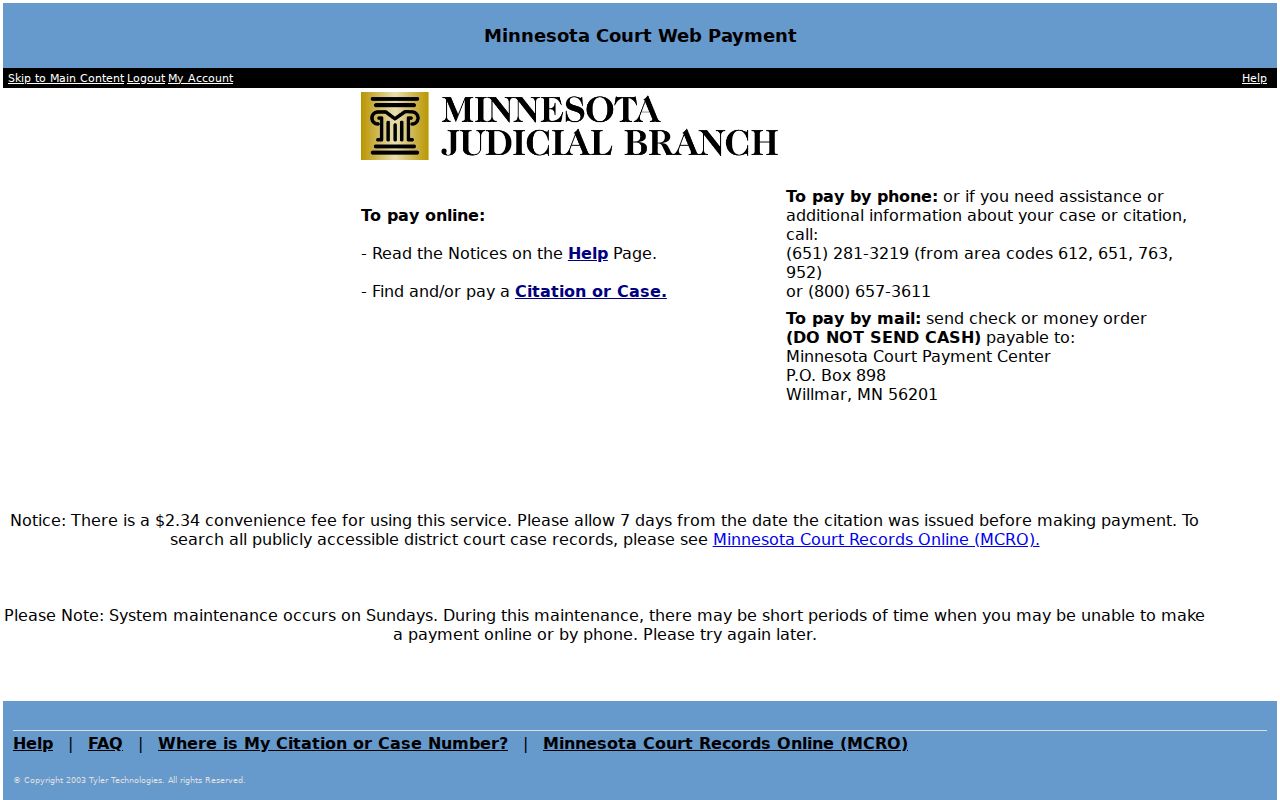
Court WebPay covers the payment lookup only. For the full court event history and court-date checks in Lake of the Woods County, MCRO's Case Details and Hearing Search remain the tools to use.
Traffic Record Copy Fees
Copying a traffic court record in Lake of the Woods County costs little. The price depends on the form you ask for. The District Court fee schedule, filtered for this county, lists an uncertified copy or print at $0. Want it certified? That version runs $14. The citation fine is a separate matter entirely, since each case carries its own amount. These copy fees tell you nothing about what a traffic ticket costs. Before you order, ask the court office to confirm the record form and the current charge.
| Lake of the Woods County traffic item | Displayed fee | Note |
|---|---|---|
| Uncertified traffic court print or copy | $0 | Informational court-record copy. |
| Certified traffic or court instrument | $14 | Certified copy from Court Administration. |
| Credit-card payment convenience fee | $1.50 | County Court Administrator payment charge. |
| Fine amount | Case-specific | Use the citation or WebPay; no local flat schedule was found. |
Don't confuse the two charges you might see on a Lake of the Woods County traffic case. A convenience fee covers the way you pay, while a copy fee covers the record itself. Court Administration can tell you which one applies to your request.
Lake of the Woods County Traffic Records
A Lake of the Woods County traffic case may be pending. A plain name search might not surface it remotely. Search by citation number, case number, attorney name, or attorney bar number instead. Those routes usually work better. Some material is protected, sealed, expunged, or confidential. Access to it stays limited. A case that never appears in MCRO tells you nothing about why. An empty result does not settle where a citation stands.
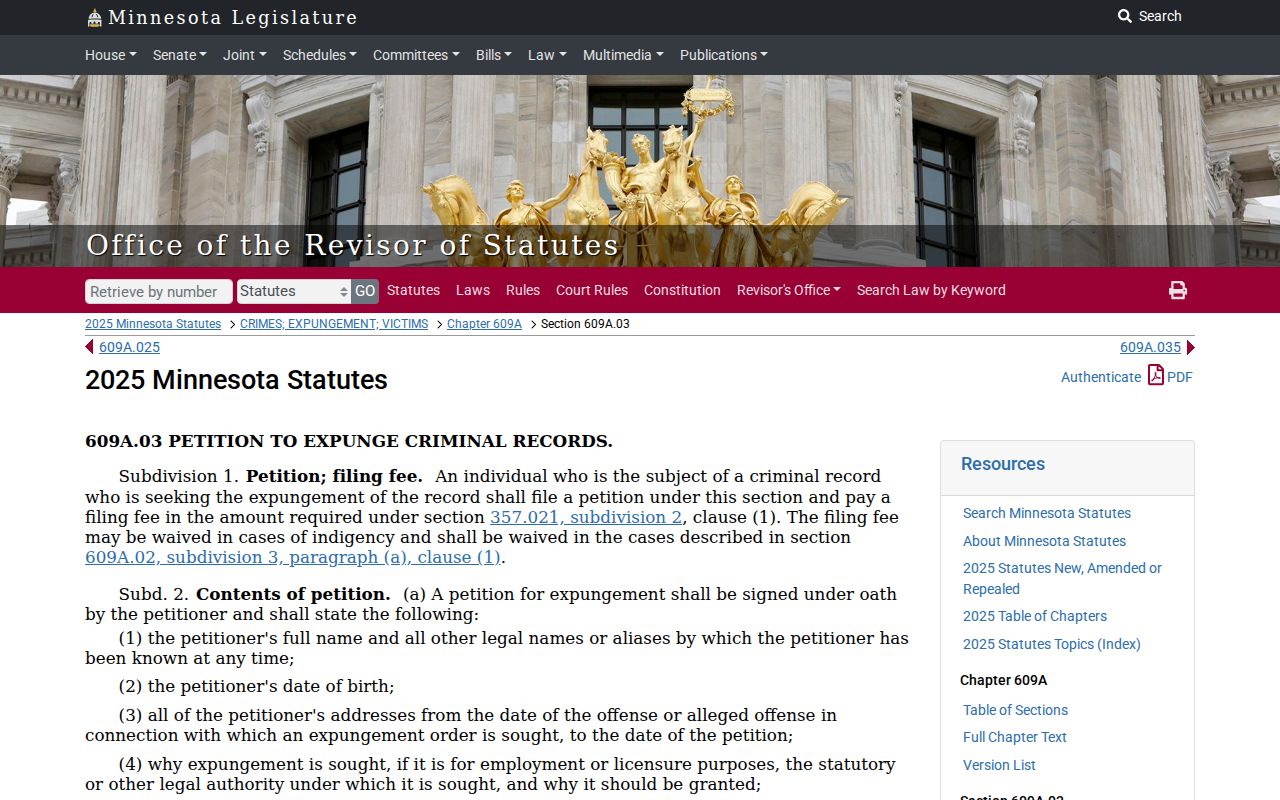
Sealing a record takes its own court process under Minnesota Statutes section 609A.03. Paying through WebPay, or finding nothing in MCRO, will not do that work. Court Administration can point you to the right Lake of the Woods County court-file channel for a specific record. Staff can also confirm what public access is allowed.
The court file that matters is the citation case itself. Its court date and the record sit with Lake of the Woods County Court Administration.